
If you are learning Canva and wondering,
“What should I practice to become confident and professional?”
This structured Canva Practice Roadmap will guide you from beginner to advanced level.
This guide is designed for digital marketing students, freelancers, business owners, and anyone who wants to master Canva for social media and branding.
Why Is Canva Important for Digital Marketing?
Canva is one of the most powerful tools for:
- Social media content creation
- Branding design
- Marketing creatives
- Presentation design
- Freelance design services
Today, businesses need consistent visual content. Canva allows beginners to create professional designs without advanced technical skills.
What Is the Best Way to Practice Canva?
The best way to practice Canva is through a structured level-based approach instead of random designing.
Below is the Canva Practice Roadmap I use with my students.
Canva Practice Roadmap (Level 1 to Level 6)
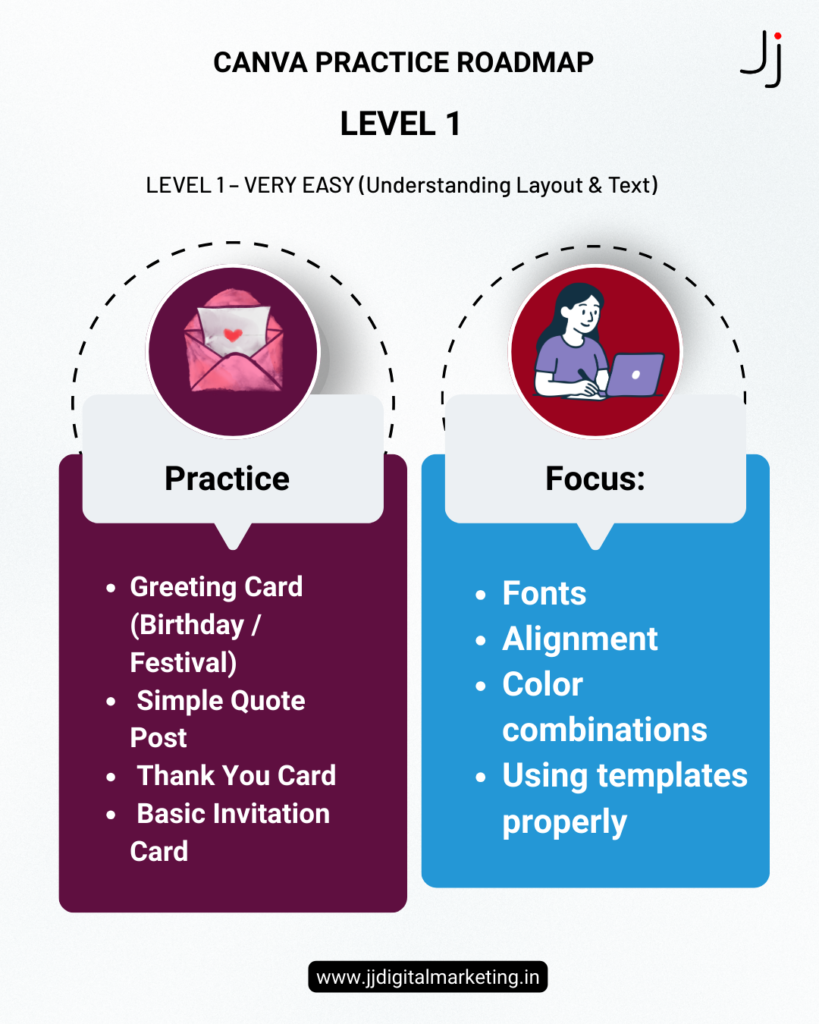
Level 1: Beginner – Basic Design Understanding
At this level, focus on understanding:
- Fonts
- Colors
- Alignment
- Spacing
Practice Projects:
- Greeting cards
- Quote posts
- Invitation designs
Goal: Build confidence and understand layout basics.
Level 2: Social Media Content Creation
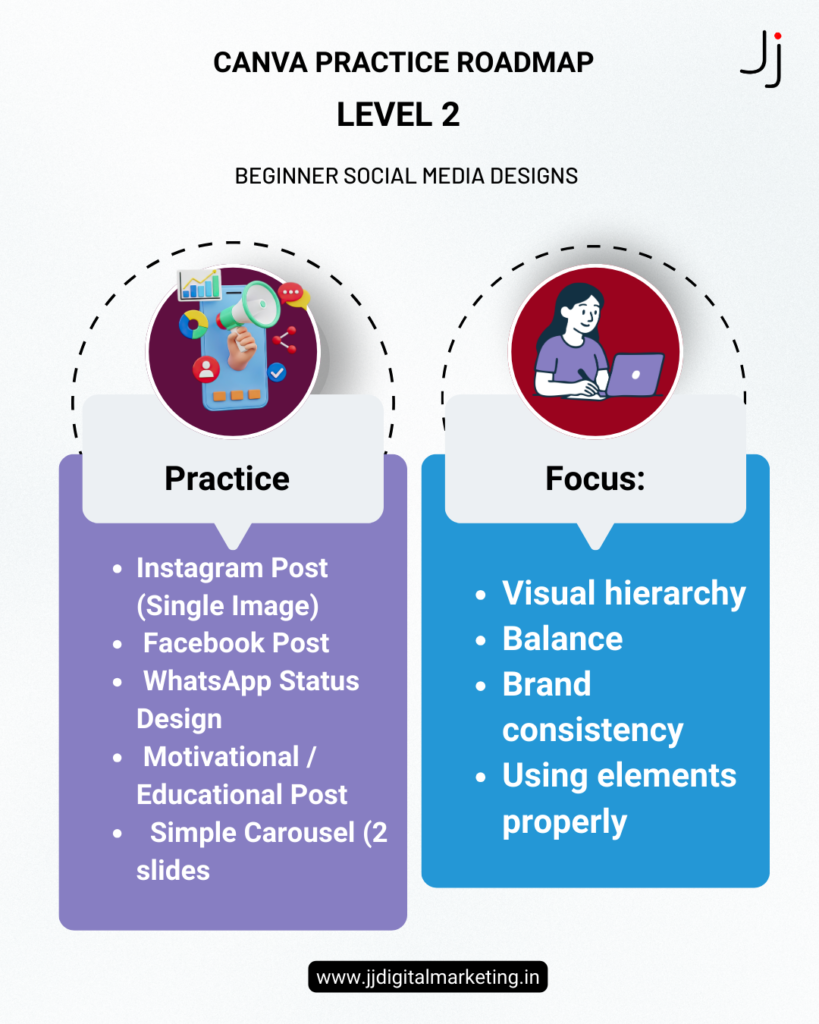
Now begin creating real social media designs.
Practice Projects:
- Instagram posts
- Facebook posts
- WhatsApp status
- Simple carousel posts
Focus: Visual hierarchy and audience-focused content.
Level 3: Branding Fundamentals
At this stage, learn brand consistency.
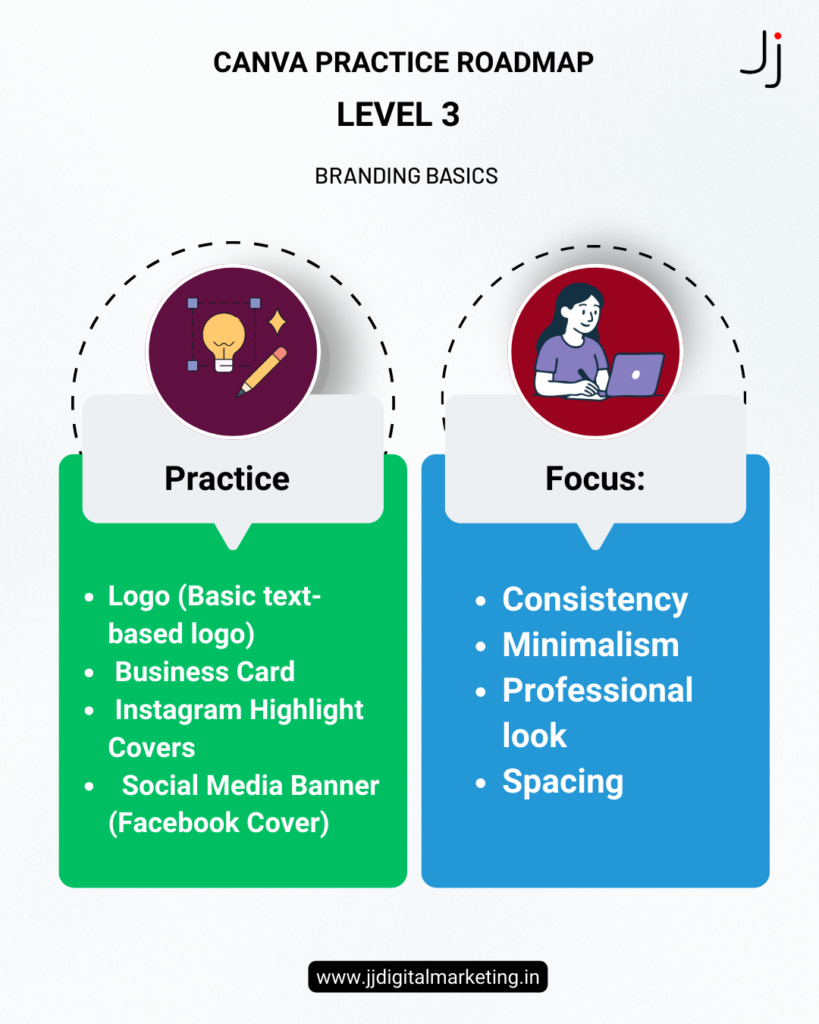
Practice Projects:
- Basic logo design
- Business card
- Instagram highlight covers
- Social media banner
Goal: Understand branding basics and identity design.
Level 4: Marketing Design Skills
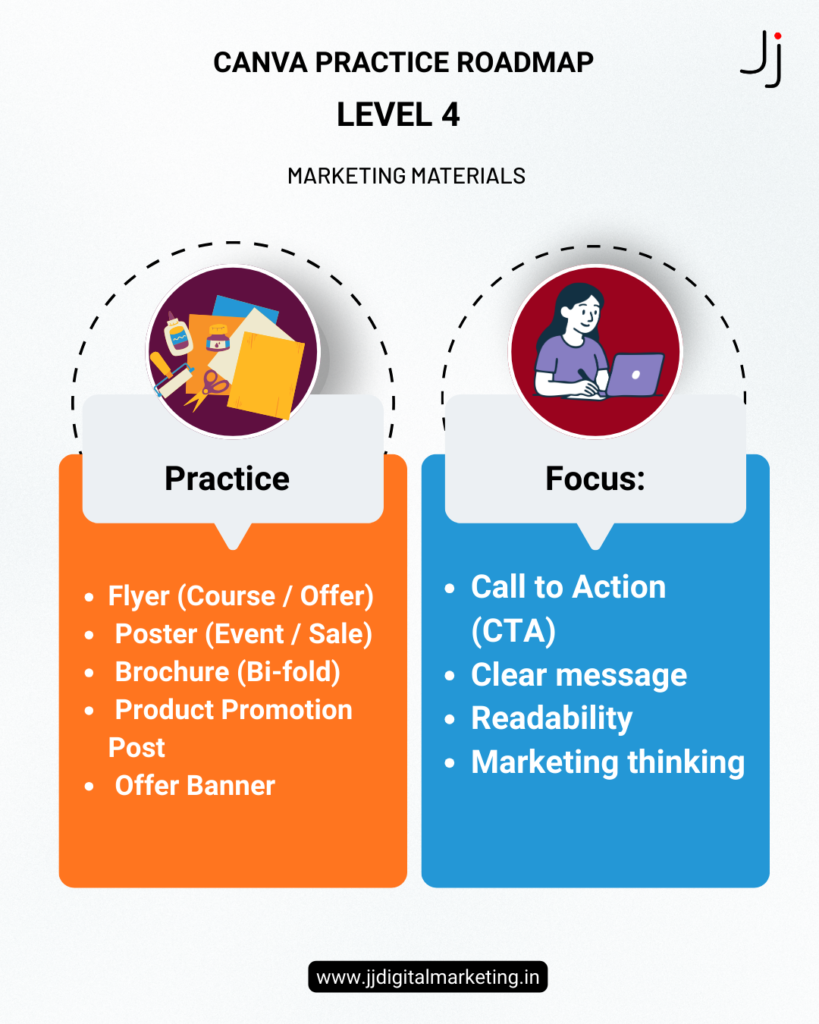
Here design meets strategy.
Practice Projects:
- Flyers
- Posters
- Brochures
- Offer & promotional posts
Focus: Clear message, strong call-to-action (CTA), and readability.
Level 5: Presentation & Structured Design
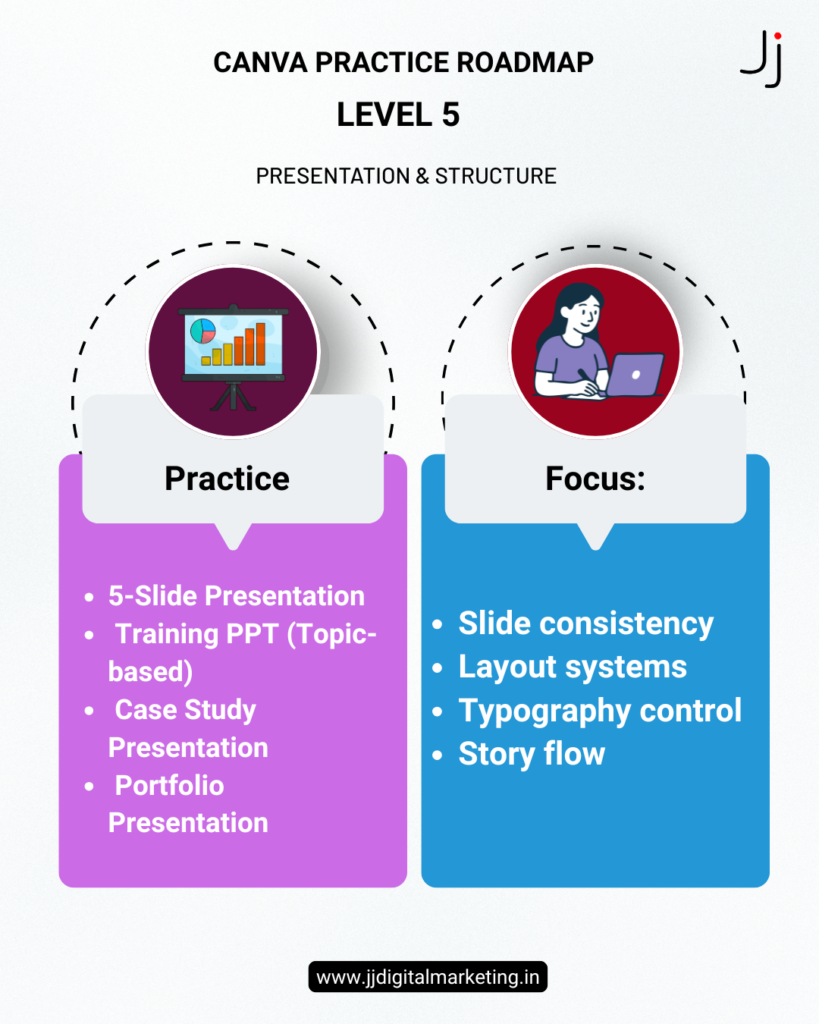
Students learn storytelling through design.
Practice Projects:
- 5-slide presentation
- Case study presentation
- Portfolio design
Goal: Structured thinking and layout consistency.
Level 6: Advanced Canva Skills
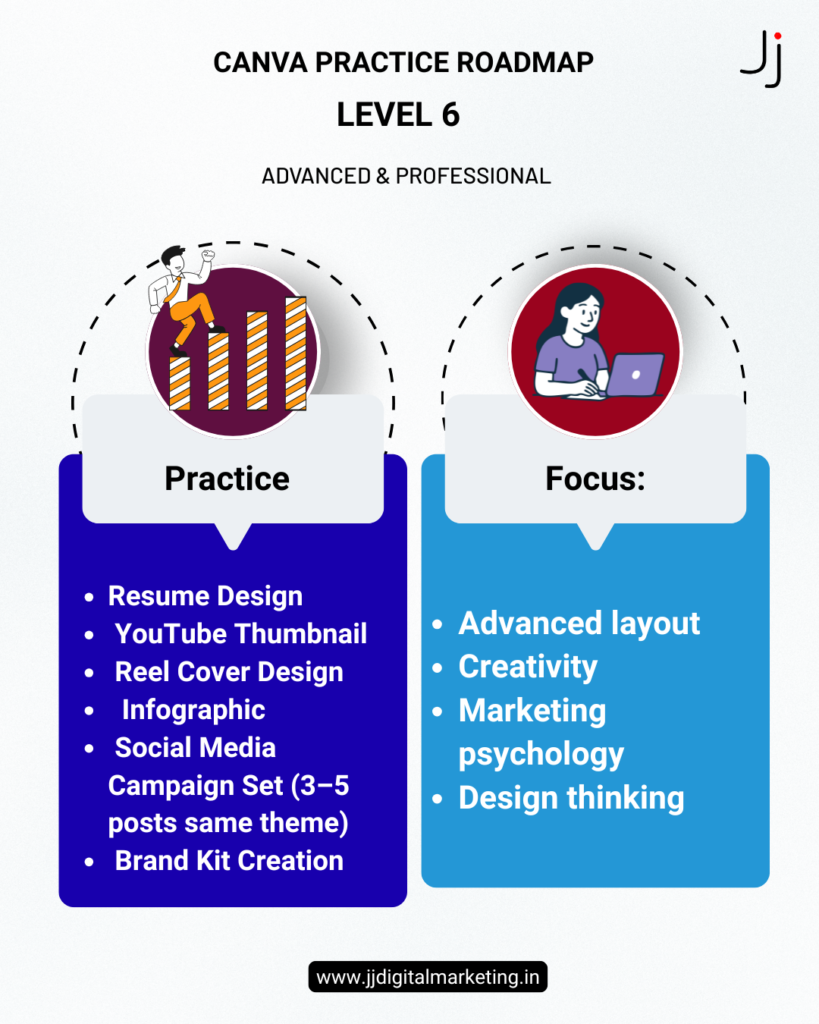
This level prepares students for professional and freelance work.
Practice Projects:
- Resume design
- YouTube thumbnails
- Infographics
- Full social media campaign set
Focus: Creativity, branding system, and marketing psychology.
Who Should Follow This Canva Practice Roadmap?
This roadmap is ideal for:
- Beginners learning Canva
- Digital marketing students
- Freelancers
- Youth skill development programs
- Small business owners
If you want to improve your Canva skills systematically, this structured method will help you grow faster.
Frequently Asked Questions (FAQ) – Canva Learning Guide
1. How long does it take to learn Canva?
You can understand Canva basics within a few days. However, mastering Canva for professional digital marketing requires consistent practice for 3–4 weeks.
2. Is Canva enough for digital marketing?
Yes, Canva is sufficient for creating social media posts, presentations, branding materials, and basic marketing creatives.
3. Can I earn money after learning Canva?
Yes. Many freelancers earn by designing social media posts, flyers, presentations, and thumbnails for small businesses.
4. What should beginners design first in Canva?
Beginners should start with greeting cards, quote posts, and simple social media posts before moving to branding and marketing designs.
Final Thoughts
Learning Canva is not about using templates.
It is about developing design thinking and marketing clarity.
With structured practice from Level 1 to Level 6, you can move from beginner to confident creator.
If you would like structured Canva and digital marketing training, visit:
👉 Follow us on www.instagram.com/jyothirmayeedigitalmarketing/
Start your creative journey today.
Also check Digital Detective Challenge: High School Students Decode Famous Brand Secrets

One thought on “Canva Practice Roadmap: A Step-by-Step Guide for Beginners (Level 1 to Level 6)”