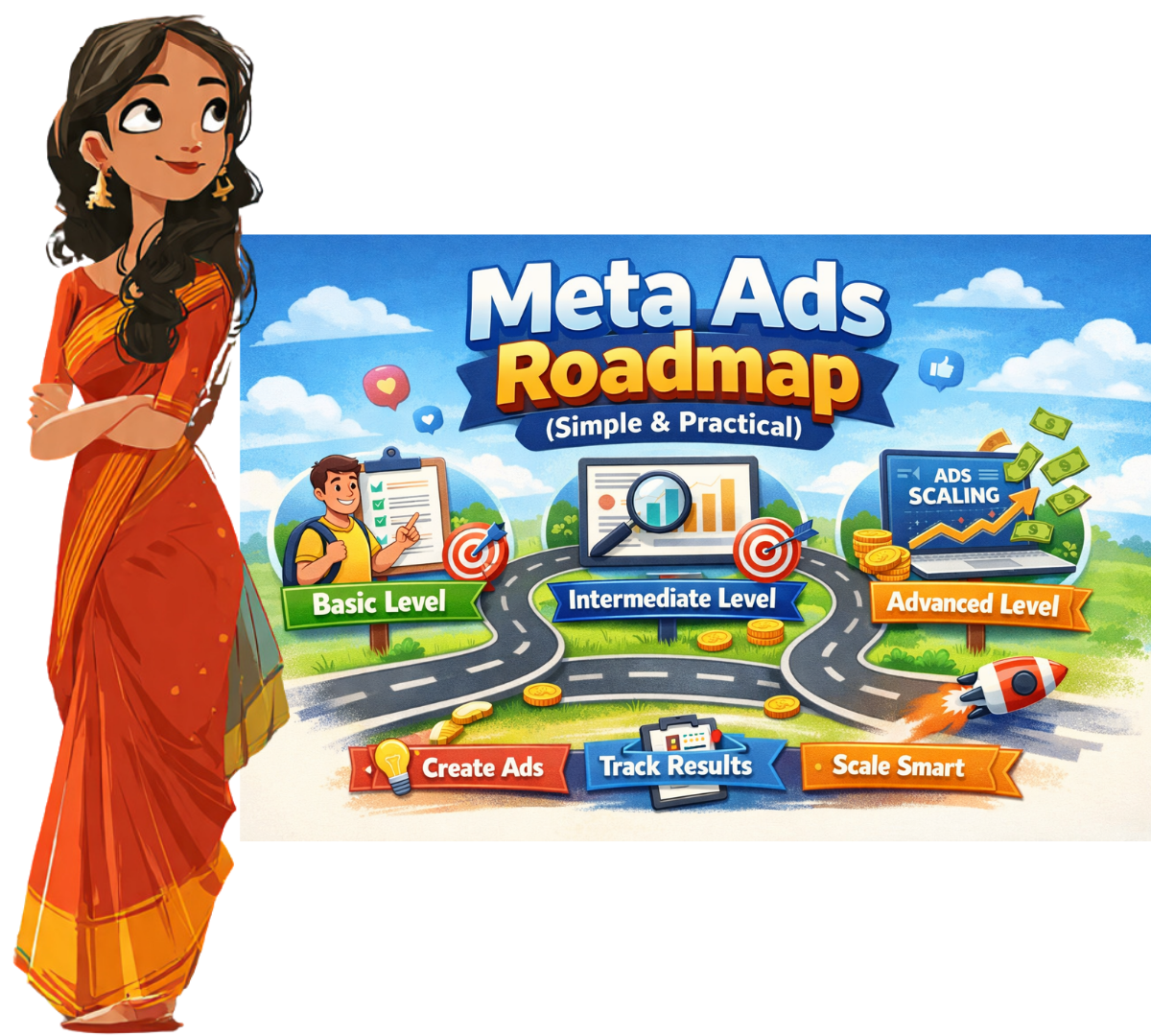
Meta Ads Roadmap (Simple & Practical)
If you’re a student trying to learn Meta Ads and feeling confused about where to start, you’re not alone. Most people jump into ads without a plan and end up wasting money.
You can also check Canva Roadmap from beginners to Advanced levels
Here’s the thing: Meta Ads is not difficult. It just needs the right order.
This guide breaks it down into three clear stages—Basic, Intermediate, and Advanced—so you can learn step by step and actually get results.
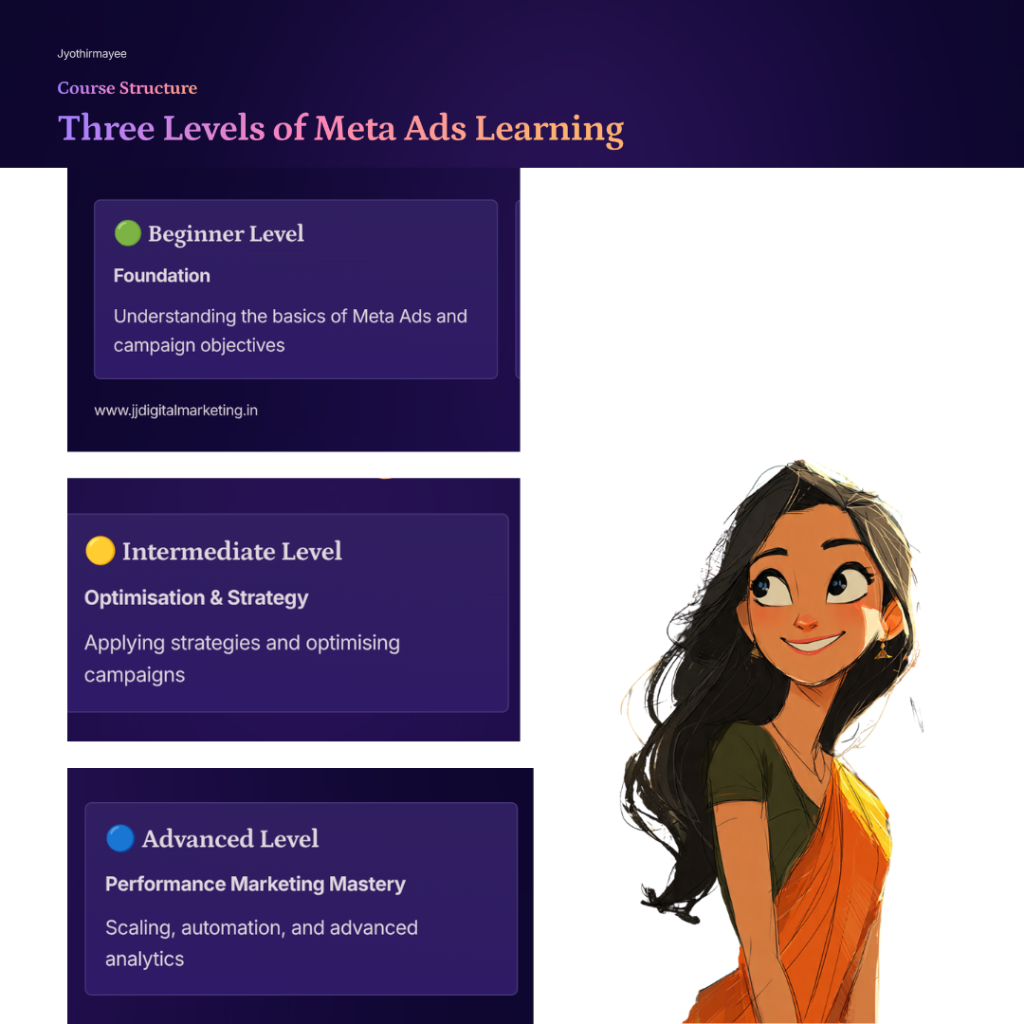
🟢 Basic Level: Build Your Foundation
This is where you set things up correctly. Don’t rush this stage.
1. Understand What Meta Ads Really Is
Meta Ads means running ads on Facebook and Instagram to generate leads or sales.
It’s not about likes or followers. The goal is simple: spend money → get results.
2. Know the Business First
Before running ads, answer these:
- What are you selling?
- Who needs it?
- Why should they choose you?
If you don’t know this, your ads won’t work.
3. Create a Simple Offer
People click ads only when they see value.
Examples:
- Free consultation
- Limited-time discount
- Trial offer
Make it clear and easy to understand.
4. Set Up Meta Properly
You need:
- Meta Business Manager
- Ad Account
- Facebook Page
- Instagram connection
This is your base. If setup is wrong, everything else will fail.
5. Install Pixel (Tracking Tool)
Meta Pixel tracks what people do after clicking your ad.
It helps you understand:
- Who clicked
- Who showed interest
- Who converted
Without this, you are guessing.
🟡 Intermediate Level: Start Running Ads
Now you move from learning to doing.
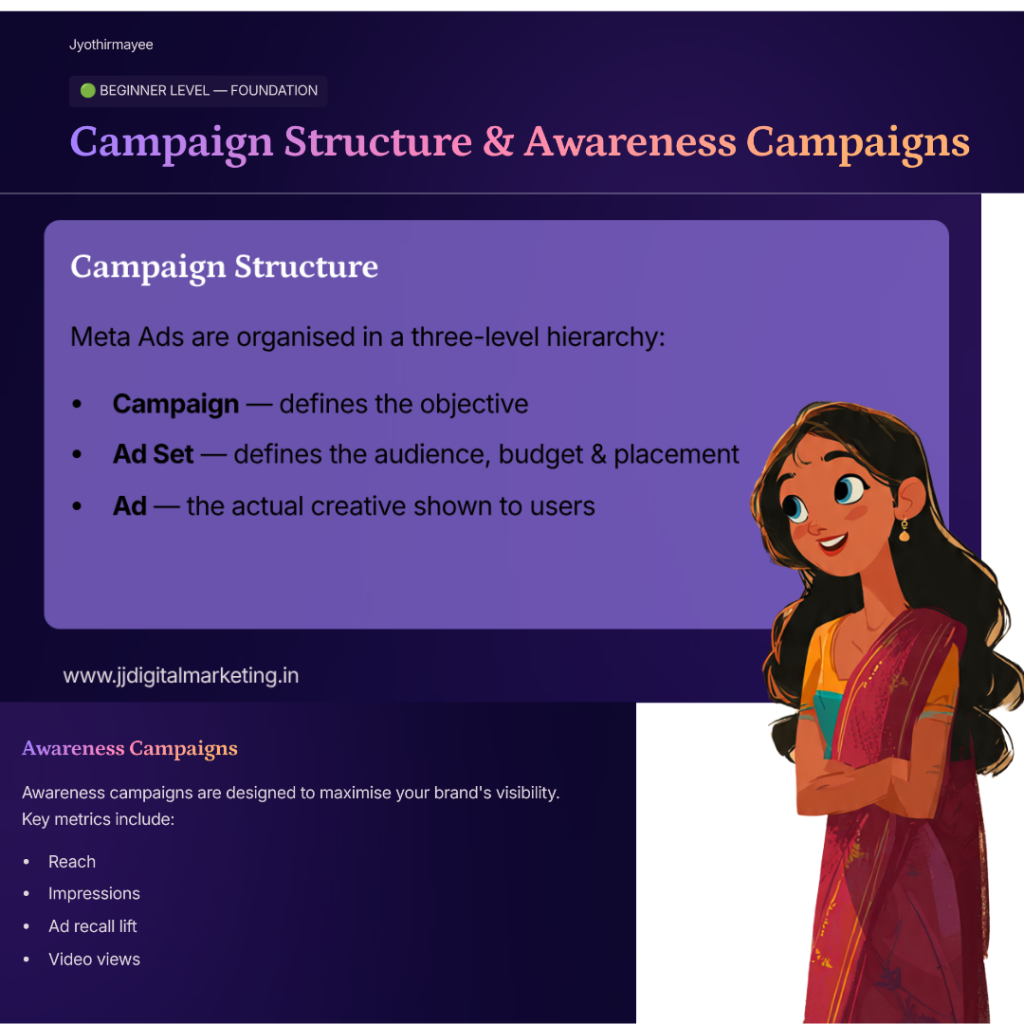
1. Understand Campaign Structure
Meta Ads has 3 levels:
- Campaign → Goal
- Ad Set → Audience
- Ad → What people see
Once you understand this, things become much clearer.
2. Target the Right Audience
Start simple:
- Age
- Location
- Interests
Test 2–3 different audiences. Don’t depend on just one.
3. Create Good Ads
Your ad should:
- Catch attention quickly
- Show a problem
- Offer a solution
Use simple images or short videos. Keep text clear and direct.
4. Launch and Test
Start with a small budget (₹300–₹500/day).
Let ads run for 3–5 days. Don’t change things too quickly.
5. Track Key Metrics
Focus on:
- CTR (clicks)
- CPC (cost per click)
- CPL (cost per lead)
These numbers tell you if your ad is working or not.
🔴 Advanced Level: Improve and Scale
This is where you move from basic results to consistent performance.
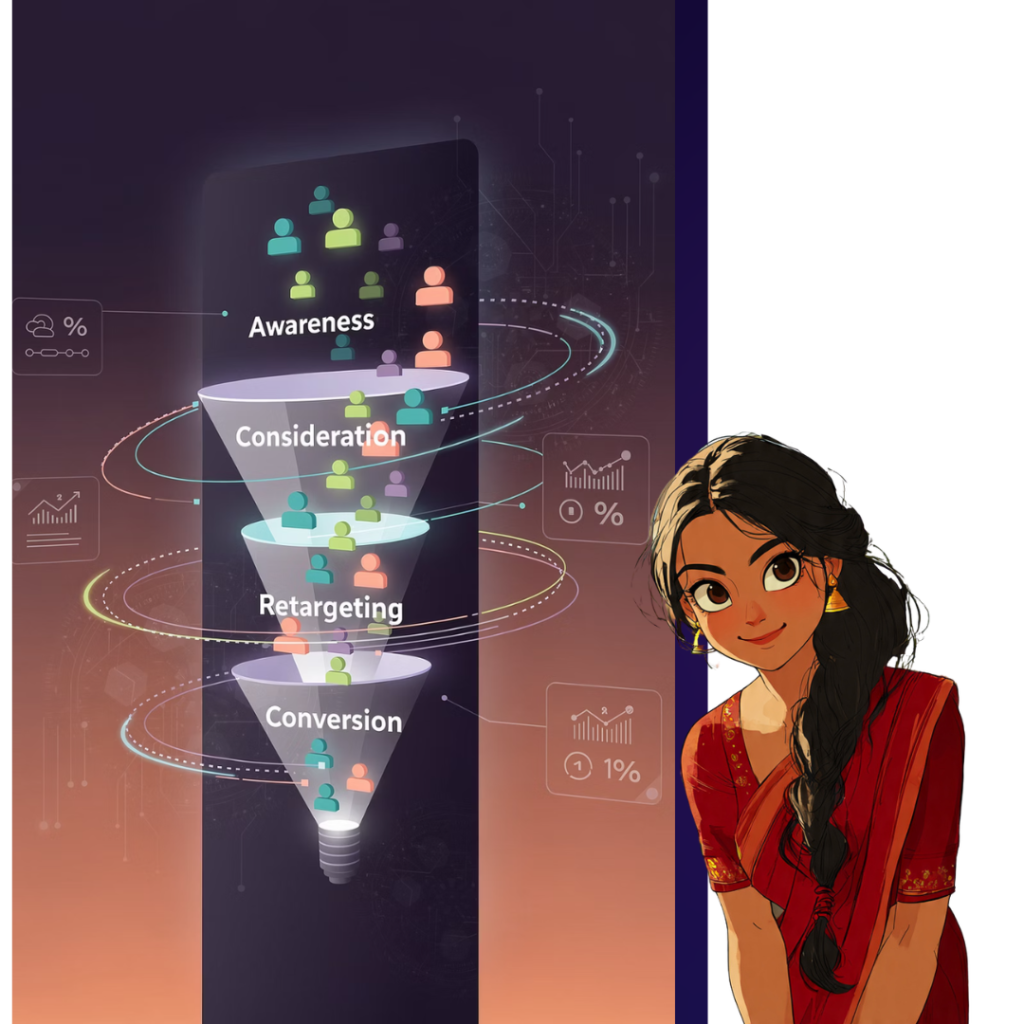
1. Use Funnel Strategy
Not everyone buys instantly.
You need:
- New audience (first time seeing you)
- Interested audience
- Ready-to-buy audience
This approach improves conversions.
2. Use Retargeting
Target people who:
- Clicked your ad
- Watched your video
- Visited your page
These users are more likely to convert.
3. Test and Improve Continuously
Try different:
- Creatives
- Audiences
- Offers
Keep what works. Remove what doesn’t.
4. Scale Winning Ads
If an ad is performing well:
- Increase budget slowly
- Focus on that winning ad
Avoid making big changes suddenly.
5. Focus on Results, Not Vanity Metrics
Likes and views don’t matter.
What matters:
- Leads
- Sales
- Profit
Always measure business results.
🎯 Final Takeaway
Learning Meta Ads is not about watching videos. It’s about doing.
Start small. Test. Learn from mistakes. Improve.
If you follow this roadmap step by step, you will:
- Understand how ads work
- Run your own campaigns
- Generate leads consistently
💡 One Simple Rule
If your ad is not giving results, change it.
If it is working, scale it.
Download the following Meta Ads Roadmap (Simple & Practical) in PDF form
Recommended YouTube Channels
Here are some reliable channels for your students to continue learning:
- Surfside PPC → Beginner-friendly tutorials on Meta Ads campaigns and strategies.
- Ben Heath (Facebook Ads Expert) → Practical strategies for scaling and optimization.
- Charlie Lawrance (Facebook Ads Academy) → Deep dives into advanced performance marketing.
- Learn with Surfside PPC & Santrel Media → Great for AP/Telangana students starting out.
- 99signals YouTube Channel → Covers broader digital marketing including Meta Ads.